

What exactly is an email address finder?
An email finder is a software that searches the internet for personal or business email addresses. The majority of email finders are either online apps or Chrome extensions.
Benefits of email finders
When it comes to growing your business, an email finder is a must-have tool. It will undoubtedly benefit you if you strive for:
Successful staff recruitment
Email finders can help in finding the suitable person for the job and it is the best way to find email address for a business. Candidates’ email addresses can be readily scraped, contacted, and invited to a job interview.
Developing your clinic
You can find people that are critical to your success, such as investors, business partners, doctors or influencers who can help you promote your brand.
New lead generation
Email finder is an excellent lead generation tool for contacting potential buyers.
It can be difficult to build email tool lists and find decision-makers’ email addresses. Targeting, finding, and verifying email addresses is simple with the best email finders online. A lot of inexpensive and free email address finding tools are available. We identified the finest email finders based on strengths, ease of use, accuracy, and pricing to help you choose the appropriate one for your business.
Data Miner
Data Miner is a chrome extension that helps you extract data and email id from any website and save it to an Excel spreadsheet file.
Data Miner is a chrome extension to scrape data from websites that allows you to convert HTML data in your browser window into a table format.
The data you scrape using Data Miner is always private. Your data or credentials are never sent to Data Miner’s server.
A function called ‘recipes’ is available in Data Miner. Data Miner extracts data from websites using recipes, which are data extraction instructions. The name and position of HTML elements on a web page are included in recipes. Additionally, Recipes do not contain any actual data or personal information about you.
When you visit a website, Data Miner automatically filters through hundreds of recipes that users have made and shared, displaying only those that are relevant to the site you’re on.

Shane’s Tool
Shane’s tool is a great email extractor extension for Chrome and Firefox Mozilla, and it’s basically an intelligence tool for extracting emails from social network groups, pages, or posts for best free email search. Shane’s Tools is a bookmarklet that you can add to your toolbar by dragging and dropping it. It includes several essential search tools as well as an email extractor.

Findthat.email
Findthat.email, branded “The Yellow Pages of Email,” allows users to quickly locate anyone’s work/professional email addresses by simply entering in their name and company website. The application also shows where it got the email with the results from, and then ranks them according to their confidence score.
The email searching tool comprises a Chrome extension as well as an email finder and email verification. Findthat.email also allows you to identify email prospects through social media sites and uses Zapier to connect with over 500 apps. Emails may be located individually or in bulk, with a success rate of over 90%.

Anymail Finder
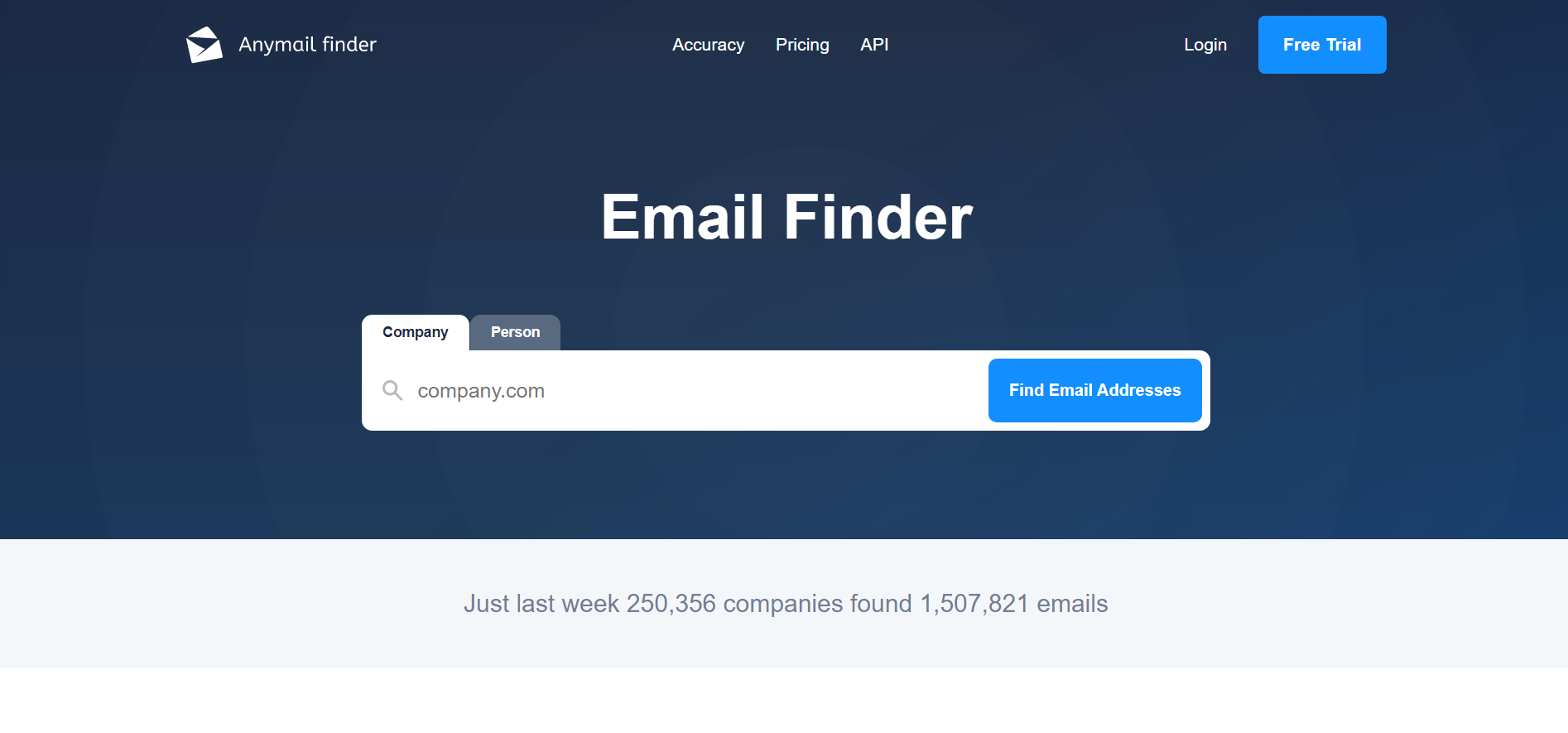
Anymail Finder is an email checker and address finder service that may be used standalone or in conjunction with other web applications. The email locating tool allows users to find emails by searching millions of pages and doing direct server validation before supplying the email address, with an accuracy rate of 87 percent.
You can use the tool to find email addresses individually or in bulk. Simply enter the prospect’s name and company website, and Anymail Finder will guess their email address and allow you to copy it in a single click.
VoilaNorbert
With a first and last name, as well as the company domain, users can discover any corporate email address, with only found email addresses charging credits. The programme also sends a signal to the mail server to check email addresses.
Norbert is intended to be a helpful assistance, and as such, it is simple to use and does not require the installation of any plugins. Users may find emails while browsing the web with the Chrome addon. The email finder also allows you to use data to augment contacts and give leads more context.

FindThatLead
FindThatLead is more of a lead management system than an email search engine. The list of email addresses can be readily managed. You simply enter the company’s URL and voila! You’ll have access to all emails associated with that URL. It also has Domain Search, Lead Search, and Prospector features.

Saleshandy
Saleshandy Connect is a free email finder that delivers high-quality leads in a matter of seconds. With the most dependable and validated source of data, you can now build your connections and business.
This programme not only finds email, but it also verifies the lead’s email address with 99.99 percent accurate data, which improves deliverability.
With the exception of email addresses, Saleshandy Connect is designed to provide reliable data to fulfil the needs of any Finder. It includes First Name, Last Name, and Designation, which is critical information. Sales reps seeking for leads, outreach specialists, recruiters, and others will benefit from the plugin.
The best thing about this tool is that it has no daily, monthly, or annual limitations. This tool allows you to search data for hundreds of leads.
Saleshandy Connect is a simple-to-use plugin that was created with the user in mind. To get started, follow these simple steps:
Step 1: Search for Saleshandy Connect on the Chrome store.
Then select Add to Chrome, then Add Extension, and you’re ready to go.
Step 2: After installing the plugin, go to LinkedIn and look for any profile you’d like to collect data from.
Step 3: On the profile page, click the Saleshandy Connect extension button to see the person’s First Name, Last Name, Designation, and Email ID.

Clearbit
Clearbit is a well-known lead enrichment tool that searches its database for not just email addresses but also other businesses and their personal information.
You may get staff email addresses for any business using only their domain name and their Gmail connection plugin, Clearbit Connect.
To find any email address after downloading the plugin and connecting your Gmail account, go to the Clearbit option in the upper right corner of your Gmail Inbox and type in the domain name.
This plugin is available for free.

Discoverly
When it comes to candidate outreach, context is key, and Discoverly is built to provide recruiters more context. The programme gathers a person’s social data from Gmail, Facebook, Twitter, and LinkedIn, allowing you to uncover and save more complete social contact information alongside any online accounts you’re already looking at.

Finally, Google is the ultimate email finder to search your desired client. Google knows the answers to your questions, and it can also find email addresses.
Here are the search strings that you need to get started:
- [name] + email (or) email address
- [name] + contact (or) contact information (or) contact me
- site:companywebsite.com + [name] + email
- site:companywebsite.com + [name] + contact
To find email addresses from LinkedIn, by sending a connection request to a person is the simplest way to get email from LinkedIn. You may quickly search through his/her profile and find the information once he/she accepts your request and becomes your first-degree connection. In most cases, an email account is linked to the company where the person works. It has a domain name that is consistent with the company’s branding.
- In a user’s LinkedIn profile, click Contact Info.
- You’ll find an email address there if it’s open.
- You can also find an email address or a banner image in the profile bio.
Check carefully.
Lusha Extension
When you use LinkedIn, it collects email addresses and phone numbers from your profiles. One of the best chrome extensions to find email address in LinkedIn. The extension’s main selling point is its high hit and accuracy rates, which means you can acquire a lot of useful information without having to switch between tools. This includes things like job title, company revenue, employee size, and location and free email finder for LinkedIn. This tool is also great LinkedIn personal email finder for free.




0 Comments